How I work
with agents.

Why I’m giving
this talk.
I used to plan the next step,
then do every step myself.
Now I explain the job
and keep it moving.
then do every step myself.
Now I explain the job
and keep it moving.
- It changed how I workI explain the job. The agent does the steps.
- It’s easier than it looksTalk to it, give it tools, let it run.
- You can start this weekWith the tools we already use: Basecamp, Slack and GitHub.

Talk to your
computer.
Explain the job out loud.
Keep talking as you refine it.
Keep talking as you refine it.
Typing~40 words a minute
Talking~150 words a minute
 Voxstream
 Wispr Flow
Give it the
whole job.
“Read the feedback. Check GitHub and Slack. Show me what’s missing and coordinate the follow-up.”
 BasecampRead the customer’s feedback
 GitHubCheck what’s already being addressed
 SlackFind the team’s context
- HTML reportShow what is covered and what is missing
- Email + CalendarCoordinate the follow-up
Basecamp CLIGitHub CLISlackEmail
Is everybody
with me?
It’s a new world.
Attention spans adapted.
So did this presentation.
Attention spans adapted.
So did this presentation.
Use auto
mode.
Stop approving every step by hand.
Set guardrails once. Let it run.
Set guardrails once. Let it run.
Approving every stepApprovals
- Read the Basecamp threadAllow? Yes
- Search GitHub issuesAllow? Yes
- Check the Slack threadAllow? Yes
- Write the reportAllow? Yes
- Run the checksAllow? Yes
Done
Auto modeNo approvals
- Read the Basecamp thread
- Search GitHub issues
- Check the Slack thread
- Write the report
- Run the checks
Done
 Claude Code
 Codex
Codex
Run multiple
agents at once.
Keep independent jobs moving.
Herdr or T3 Code shows
which agent needs you.
Herdr or T3 Code shows
which agent needs you.
You: prompt, approveAgent working
One agent at a time
✓
Done
Several agents at once
Feedback triageRelease notes✓✓
Bug fix✓
Weekly update✓
Prototype v2✓
Done
 Herdr
Herdr T3 CodeClaude CodeCodex
Let the agent
keep watch.
“Watch this thread. Tell me when someone answers, then prepare the next step.”
Example thread monitor
- 09:00No new replies
- 09:15A teammate answers
- 09:16The agent prepares the follow-up
One thread, a recurring check,
and a clear next action.
Slack Calendar
Delight your
customers.
“Show me another version.
Let’s try it while we’re talking.”
Let’s try it while we’re talking.”
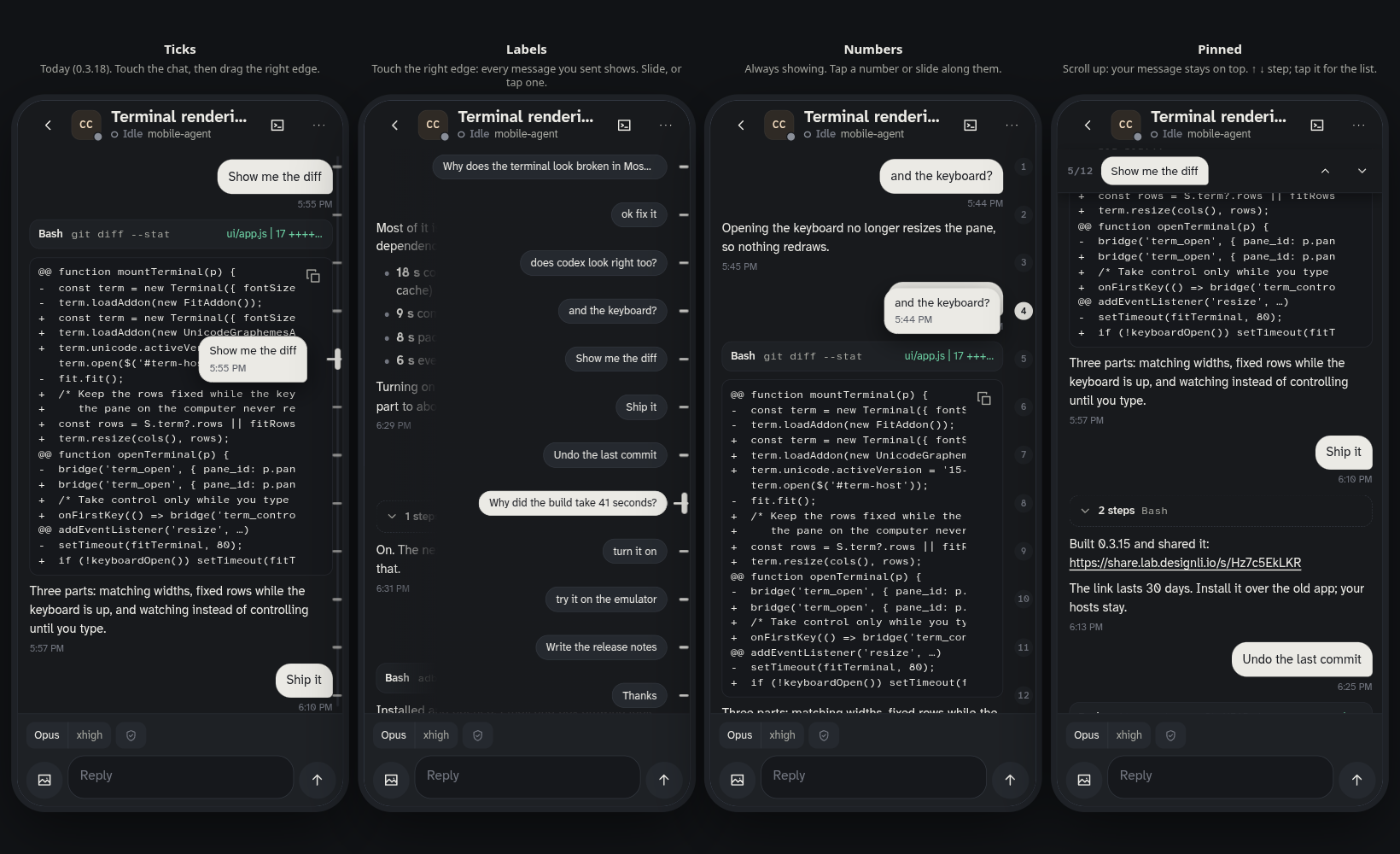
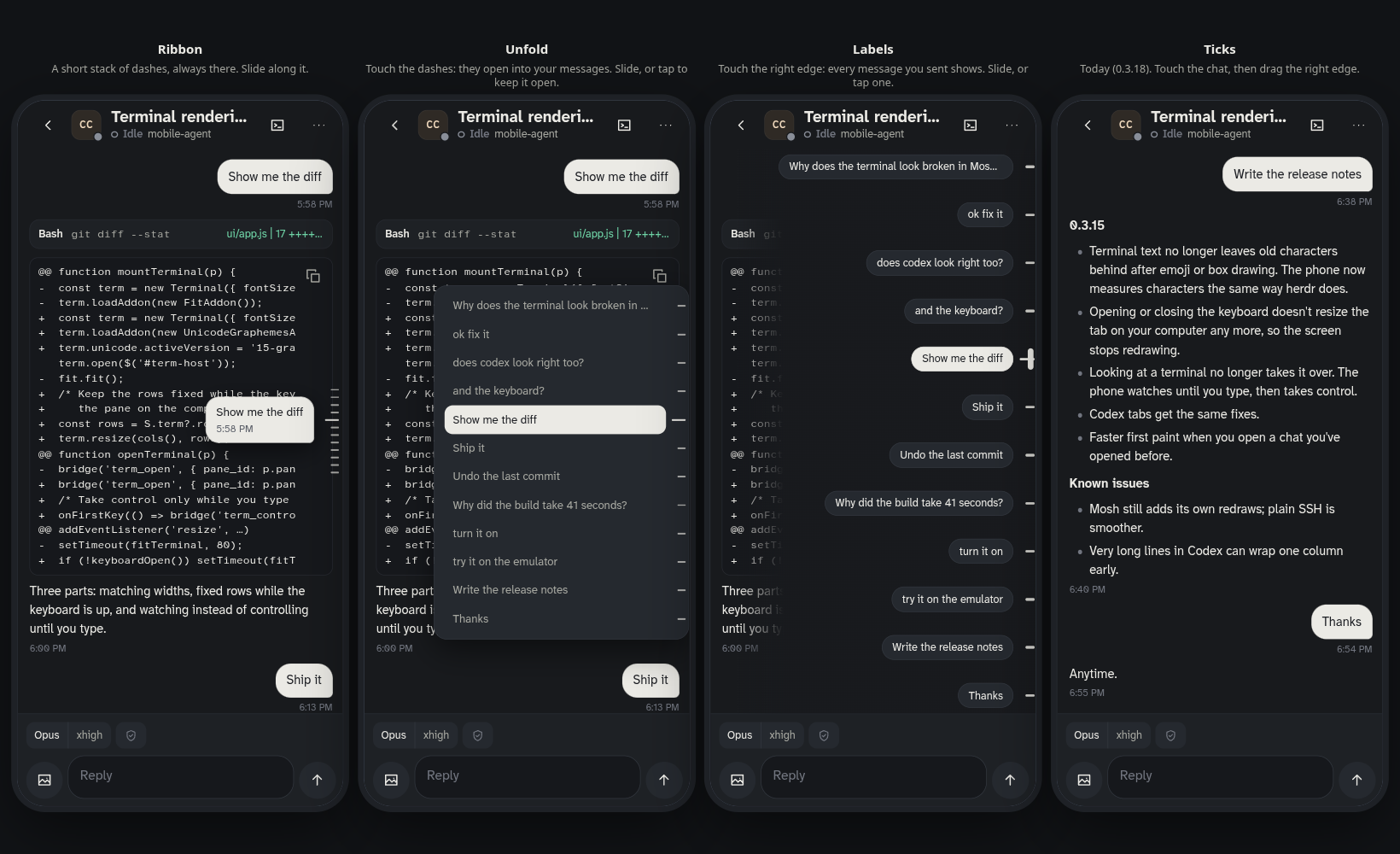
Josh’s Mobile Agent example
 Agent browser
 dshare
Use CLI tools.
Learn the combos.
Each tool is one button.
A = punch. B = kick.
Learn more, then combo them.
A = punch. B = kick.
Learn more, then combo them.
Move list
- APunchSlackreads the thread
- BKickBasecampmakes the to-do
- CUppercutGitHubopens the issue
Learn more: combo
A▸B▸CFeedback Blitz!
One ask does all three.
Master it: super combo
A▸B▸C▸D▸EShip it!
Five tools. The whole job. One ask.
CLI = the typing version of an app. Your agent does the typing.
SlackBasecamp CLIGitHub CLI
Workflow Fighter: play inside the presentation
We used to think about
what to do next.
Now we just do it.
When the next step is clear, hand it to your agent.
Tools I use.
- Wispr Flowhttps://wisprflow.ai/
- Basecamp CLIhttps://github.com/basecamp/basecamp-cli
- GitHub CLIhttps://cli.github.com/
- Herdrhttps://herdr.dev/
- Slackhttps://slack.com
- Calendarhttps://calendar.google.com
- Claude Codehttps://claude.com/product/claude-code
- Agent browserhttps://developer.chrome.com/docs/devtools
Your turn
Share your
combos.
Over the next week, post in #general
- 1A tool or workflow that saves you time.
- 2Something it helped you make more impressive, or do in a new way.
Message #general